 AI & ML
 MOBILE APP DEVELOPMENT
 AI-Powered Solutions
 Business App Solutions
 TRAVEL BOOKING ENGINE
 TRAVEL PORTAL DEVELOPMENT
 FRONTEND
 MOBILE
 Trending Technology
 ABOUT COMPANY
 AI & ML
 MOBILE APP DEVELOPMENT


AI apps are no longer optional add-ons. In 2026, they are built into how people write, code, design, research, and collaborate every day. The market has matured well past novelty. Tools are now specialized, reliable, and genuinely useful across every category.
AI is evolving at a pace that makes last year’s tools feel outdated. Context windows have grown from thousands to millions of tokens. Multimodal input such as text, voice, image, files is now baseline. Agentic AI that takes actions on your behalf is replacing simple chat. Open-source models now rival paid platforms. This guide covers the best AI apps in 2026, what each does well, and exactly who each one is for. As AI continues to transform everyday tasks, businesses can leverage an AI software development company to build custom AI solutions tailored to their specific needs.
That shift toward agents is already changing how companies work. If you want an assistant that can plan, decide, and act inside your own systems, our AI agent development team can build one around your workflows.
Quick Answer: What are the best AI apps in 2026?
ChatGPT leads for general use. Claude excels at writing and long-document analysis. Gemini is ideal for Google Workspace users. GitHub Copilot is the top choice for coding. Midjourney produces the best AI images. Perplexity dominates research. Canva AI is the go-to for non-designers. No single app wins every category. The smartest approach in 2026 is using two or three tools that match your specific workflow.
Best AI Apps 2026: Quick Comparison by Use Case and Price
| AI App | Best For | Free Plan | Starting Price |
| ChatGPT | General purpose | Yes | $20/month |
| Claude | Writing & analysis | Yes | $20/month |
| Google Gemini | Google Workspace | Yes | $19.99/month |
| Microsoft Copilot | Microsoft 365 | Yes | $30/user/month |
| Perplexity AI | Research | Yes | $20/month |
| GitHub Copilot | Coding | Yes | $10/month |
| Midjourney | Image generation | No | $10/month |
| Canva AI | Design (non-designer) | Yes | $15/month |
| Notion AI | Knowledge management | No (add-on) | $10/month add-on |
| Runway | AI video | Yes | $12/month |
Top 10 Best AI Apps of 2026: Ranked by Use Case
1. ChatGPT (OpenAI): Best All-Around AI App for 2026
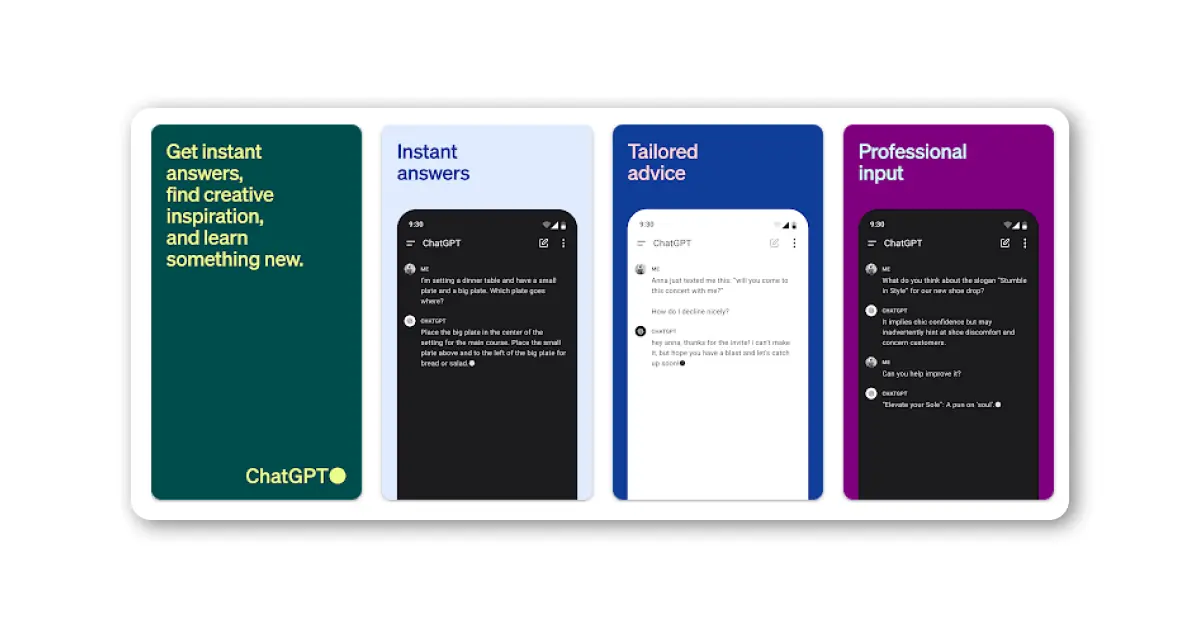
ChatGPT remains the most widely used AI app in the world and the best starting point for most people. Powered by GPT-4o and GPT-4o mini, it handles writing, coding, research, summarization, and creative work within a single interface.
Why ChatGPT Is the Most Versatile AI App in 2026:
- Versatile across writing, coding, analysis, and conversation
- Integrates DALL-E image generation natively
- Supports file uploads, voice input, and web browsing
- GPTs (custom agents) let you build task-specific tools
- Large plugin and integration ecosystem
Best for: General users, content creators, students, and anyone who needs one capable AI app.
Many teams eventually want ChatGPT inside their own product, not just in a browser tab. That is where ChatGPT integration services help, connecting it to your app, your data, and your customer journeys.
Pricing: Free plan available. ChatGPT Plus at $20/month.
2. Claude by Anthropic: Best AI App for Writing, Coding & Long-Form Analysis
Claude is the preferred AI app for writers, editors, researchers, and anyone working with long documents. Claude Sonnet 4.6 and Opus 4.6 consistently produce nuanced, well-structured writing that outperforms most competitors in tone and clarity.
Why Claude Leads for AI Writing and Long-Form Analysis:
- Best-in-class writing quality and editing capability
- 200K context window handles entire books or reports
- Reliable and safe for professional environments
- Projects feature keeps context and style guides persistent
- Strong performance on coding benchmarks
Best for: Writers, legal and research professionals, content teams, and developers who need deep analysis.
If you are thinking about building your own product on top of models like Claude, LLM app development turns that idea into a secure, production-ready application.
Pricing: Free plan available. Claude Pro at $20/month.
3. Google Gemini 2.5: Best AI App for Google Workspace & Research
Gemini is Google’s answer to ChatGPT and the clear choice for anyone already working inside Gmail, Docs, Sheets, or Drive. Gemini 2.5 Pro introduced a 1 million-token context window, making it exceptionally capable for large document tasks.
Why Gemini Is the Best AI App for Google Users:
- Deep integration across Google Workspace
- 1 million-token context window in Gemini 2.5 Pro
- Strong multimodal capability including images, PDFs, and audio
- Real-time internet access for research
- Available on Android as a phone assistant
Best for: Google Workspace users, students, Android users, and teams that work heavily with documents.
Gemini’s voice and multimodal strengths also show what people now expect from software. If you want to offer that experience to your own users, explore AI voice assistant app development.
Pricing: Free plan available. Google AI Plus at $19.99/month.
4. Microsoft Copilot: Best AI Productivity App for Microsoft 365 Users
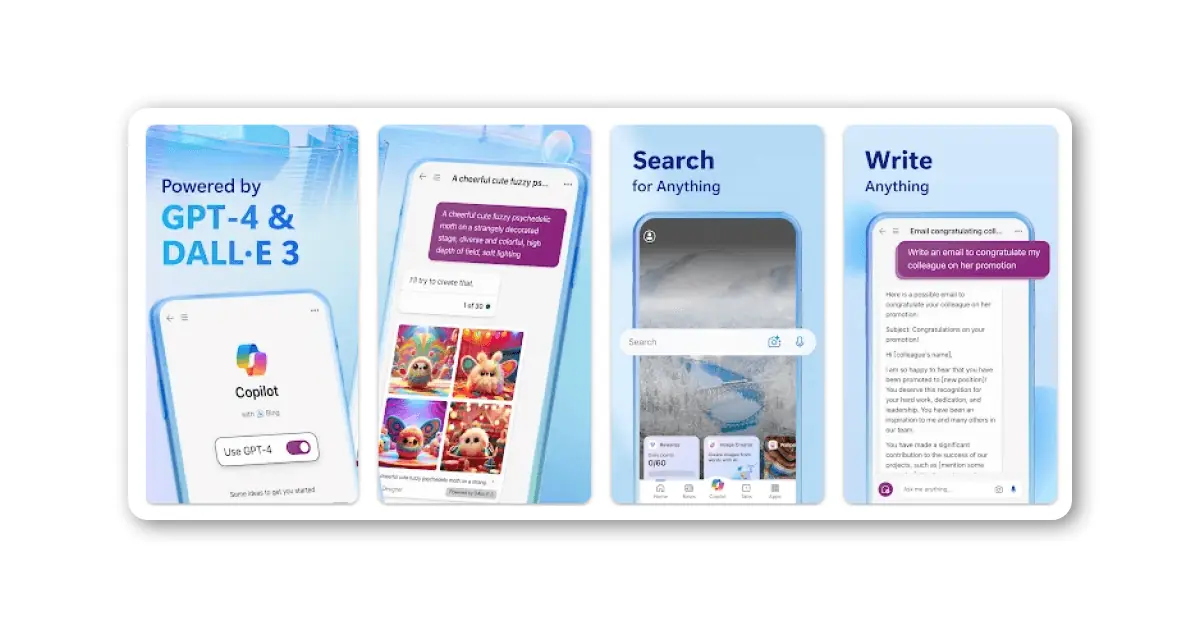
Microsoft Copilot is embedded directly into Word, Excel, PowerPoint, Outlook, and Teams. If your business runs on Microsoft 365, Copilot eliminates the need to switch between an AI app and your work tools.
Why Microsoft Copilot Powers AI Productivity in Microsoft 365:
- Native integration with Word, Excel, PowerPoint, and Outlook
- Summarizes meetings and emails automatically in Teams
- Drafts documents, creates formulas, and builds slide decks
- Enterprise-grade security and compliance controls
- No context-switching between AI and work apps
Best for: Business teams, enterprises, and professionals already using Microsoft 365.
Copilot saves time inside Microsoft 365, but most businesses also have routine tasks that live outside it. AI automation services can take over those repetitive steps, from approvals to data entry to reporting.
Pricing: Free version available. Microsoft 365 Copilot for businesses from $30/user/month.
5. Perplexity AI: Best AI App for Real-Time Research with Source Citations
Perplexity is an AI-powered search and research tool that gives you sourced, cited answers rather than guessing. It accesses real-time web data, academic papers, and news, then surfaces transparent sources for every claim.
Why Perplexity Is the Best AI Research App with Verified Sources:
- Every answer includes linked citations for verification
- Lets you choose between web, academic, or social media sources
- Access to multiple AI models including GPT, Gemini, and Claude
- Excellent for fact-checking, due diligence, and literature reviews
- Fast, focused, and free of unnecessary padding
Best for: Researchers, journalists, students, and professionals who need accurate, verifiable answers.
Pricing: Free plan with 5 Pro searches/day. Perplexity Pro at $20/month.
6. GitHub Copilot: Best AI Coding App for Software Developers in 2026
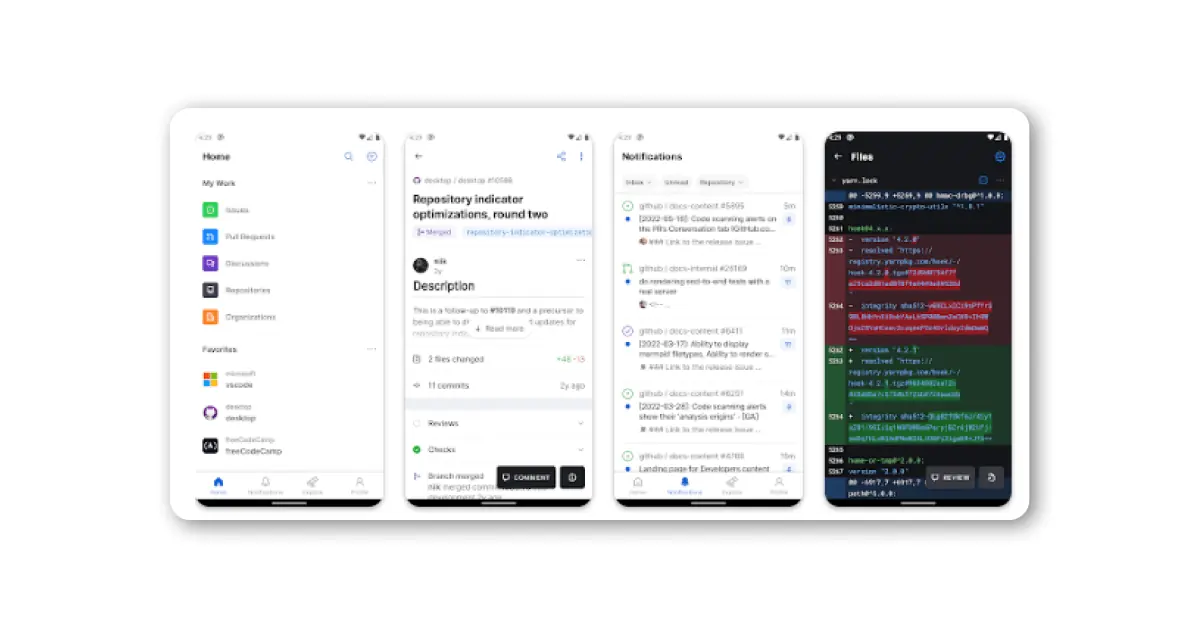
GitHub Copilot is the standard AI coding assistant for professional developers. It works inside VS Code, JetBrains, and other popular IDEs, providing real-time code suggestions, completions, and explanations as you type.
Why GitHub Copilot Is the Top AI Coding App for Developers:
- Real-time code suggestions in your existing IDE
- Supports dozens of programming languages
- Chat interface for code explanations and bug fixing
- 2,000 free code completions per month on the free tier
- Integrates deeply with GitHub repositories and pull requests
Best for: Software developers, engineering teams, and anyone who writes code regularly.
Pricing: Free tier available. Copilot Pro at $10/month.
7. Midjourney V7: Best AI Image Generator App in 2026
Midjourney is the top AI image generator for professional quality visuals. Version 7 delivers photorealistic images with accurate anatomy, natural lighting, and an art-directed aesthetic that competitors still struggle to match.
Why Midjourney Produces the Best AI-Generated Images in 2026:
- Highest visual quality and aesthetic consistency in the market
- Web interface launched in 2025 removes the Discord-only barrier
- Style and character reference features for brand consistency
- Inpainting and variation tools for image editing
- Ideal for concept art, campaigns, and creative projects
Image and video tools like Midjourney show how far generative models have come. Businesses that want similar capabilities inside their own platform can look at generative AI development for custom content, design, and creative workflows.
Best for: Designers, marketers, agencies, and content creators who need high-quality images.
Pricing: No free tier. Plans start at $10/month.
8. Canva AI Magic Studio: Best AI Design App for Non-Designers
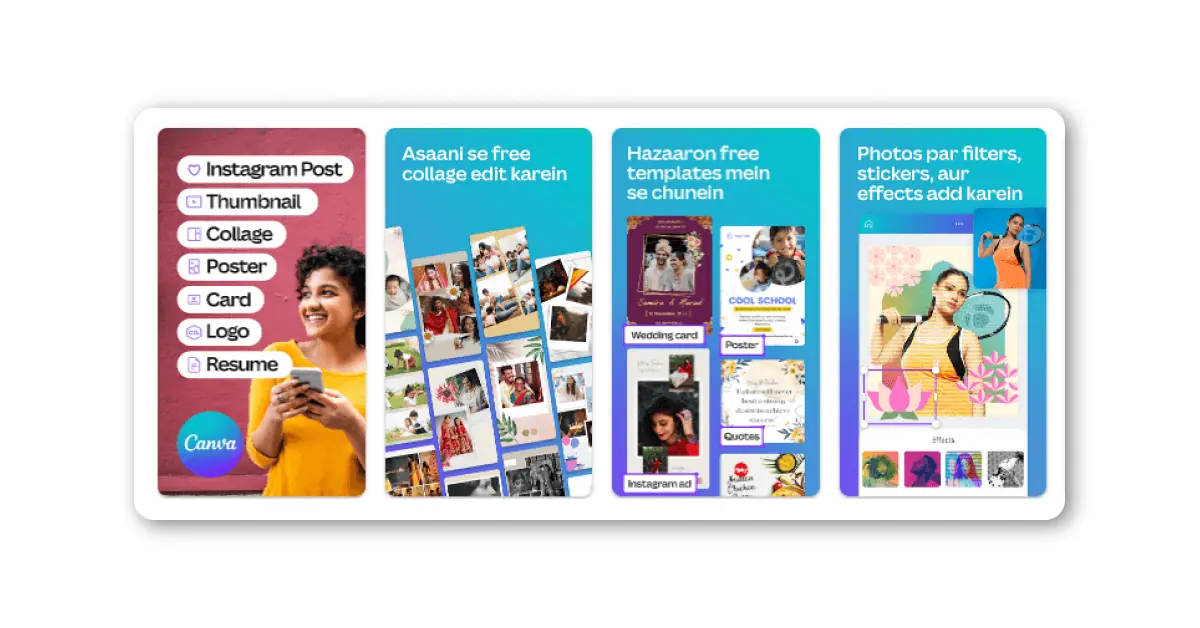
Canva’s AI suite, branded as Magic Studio, transforms the design process for people who are not trained designers. You can generate images, write copy, remove backgrounds, resize for different platforms, and export finished assets all inside one tool.
Why Canva AI Is the Go-To App for AI-Powered Design:
- Generate complete design layouts from a text prompt
- Magic Write creates social media copy and marketing content
- Background Remover and Magic Eraser simplify photo editing
- One-click resize for multiple platforms
- AI image generation built into the drag-and-drop editor
Best for: Small businesses, marketers, social media managers, and non-designers creating regular visual content.
Pricing: Free plan available. Canva Pro at $15/month.
9. Notion AI: Best AI App for Team Collaboration and Knowledge Management
Notion AI brings AI assistance directly into your notes, wikis, and project management workspace. Rather than switching tabs to ask an AI a question, Notion AI answers questions from inside your own documents and databases.
Why Notion AI Is the Best App for AI-Driven Knowledge Work:
- Ask questions across all your Notion pages and databases
- Auto-generate meeting notes, action items, and summaries
- Drafts and edits text blocks within your workspace
- Autofill database properties using AI
- No context switching between AI chat and your notes
Best for: Teams, project managers, and knowledge workers who use Notion as their central workspace.
Notion AI works well because it answers from your own content. You can bring the same idea to your company knowledge with RAG development services, so your AI assistant responds using your documents, policies, and data instead of guessing.
Pricing: Notion AI add-on at $10/member/month.
10. Runway Gen-3: Best AI Video Generation and Editing App for Creators
Runway is the leading AI video generation and editing platform for creative professionals. Its Gen-3 model produces cinematic, high-resolution video clips from text prompts or reference images, replacing days of manual editing work.
Why Runway Gen-3 Leads in AI Video Generation:
- Text-to-video and image-to-video generation
- AI video editing with Green Screen, Motion Brush, and Inpainting tools
- Multi-motion brush for precise directional control
- High-fidelity output suitable for commercial use
- Integrates into existing creative video workflows
Best for: Video creators, filmmakers, marketing teams, and agencies producing visual content at scale.
Pricing: Free tier available. Standard plan from $12/month.
Which AI App Should You Use? Match the Tool to Your Workflow
The most common mistake is looking for one AI app that does everything. In 2026, the smarter approach is to pick two or three tools based on your primary workflows:
- You write a lot: Start with Claude. Add ChatGPT for research and flexibility.
- You code daily: GitHub Copilot in your IDE plus Claude or ChatGPT for complex debugging.
- You create content: Canva AI for design, ChatGPT for copy, Midjourney for hero images.
- You do research: Perplexity for cited answers plus Gemini for long document analysis.
- You work in Microsoft 365: Copilot as your primary tool, ChatGPT as a backup.
- You work in Google Workspace: Gemini as your primary tool.
This workflow-based approach isn’t just convenient, it directly impacts productivity. Teams that use the right mix of AI tools save an average of 2.2 hours per week, effectively reclaiming nearly a full workday every month. In fact, a 2026 Writer enterprise survey found that employees who actively integrate AI into their daily workflows are up to 5x more productive than those who don’t.
The takeaway is simple: the tool matters less than the habit. All major AI apps offer free tiers in 2026, so spend at least a week testing what fits your workflow before upgrading.

People Also Ask (FAQs): Best AI Apps in 2026
What is the best AI app to use in 2026?
ChatGPT is the best general-purpose AI app for most users. Claude is best for writing and analysis. Gemini is best if you use Google Workspace. There is no single best answer because top AI apps now specialize by use case.
Are the best AI apps free in 2026?
Yes. ChatGPT, Claude, Gemini, Perplexity, Canva AI, GitHub Copilot, and Runway all offer free tiers with real functionality. Midjourney is the only major AI app without a free tier.
Which AI apps work best for businesses and teams?
For Microsoft 365 businesses, Copilot is the obvious choice. For Google Workspace businesses, Gemini. For content and marketing teams, a combination of Claude, ChatGPT, and Canva AI covers most needs.
Which AI app is best for coding and software development?
GitHub Copilot is the benchmark for developers because it works inside your IDE. For complex code review and debugging, Claude and ChatGPT are both strong options.
Will AI apps replace human jobs in 2026?
No. In 2026, AI apps augment rather than replace human work. They handle repetitive tasks, speed up drafting, and reduce research time. Judgment, strategy, relationships, and creative direction still require people.
Which AI apps work best for businesses and teams?
Customer support is often the first place teams see results. A dedicated AI customer support assistant can handle common queries around the clock and pass complex cases to your people.
The Right AI App Makes the Real Difference
AI in 2026 is not about finding one perfect tool. It is about knowing which tool solves which problem. ChatGPT for everyday tasks. Claude for writing and reasoning. Gemini or Copilot if you live inside Google or Microsoft. GitHub Copilot in your IDE. Midjourney when visuals need to stand out. Perplexity when accuracy and sources matter.
Most of these apps have generous free tiers. The best first step is to pick one that fits your primary workflow and actually use it daily for two weeks. That practical experience will tell you more than any comparison chart.
AI is not slowing down. The apps on this list will look different again in 12 months. The advantage goes to whoever builds the habit of using AI tools early and adjusting as the technology matures.
Building an AI-powered product or integrating AI into your tech stack?
OneClick IT Solution has helped businesses across industries implement AI and ML into their applications. Whether you need custom AI development, API integration, or help defining your AI strategy and implementation roadmap, we can help. Contact us to discuss your project.